
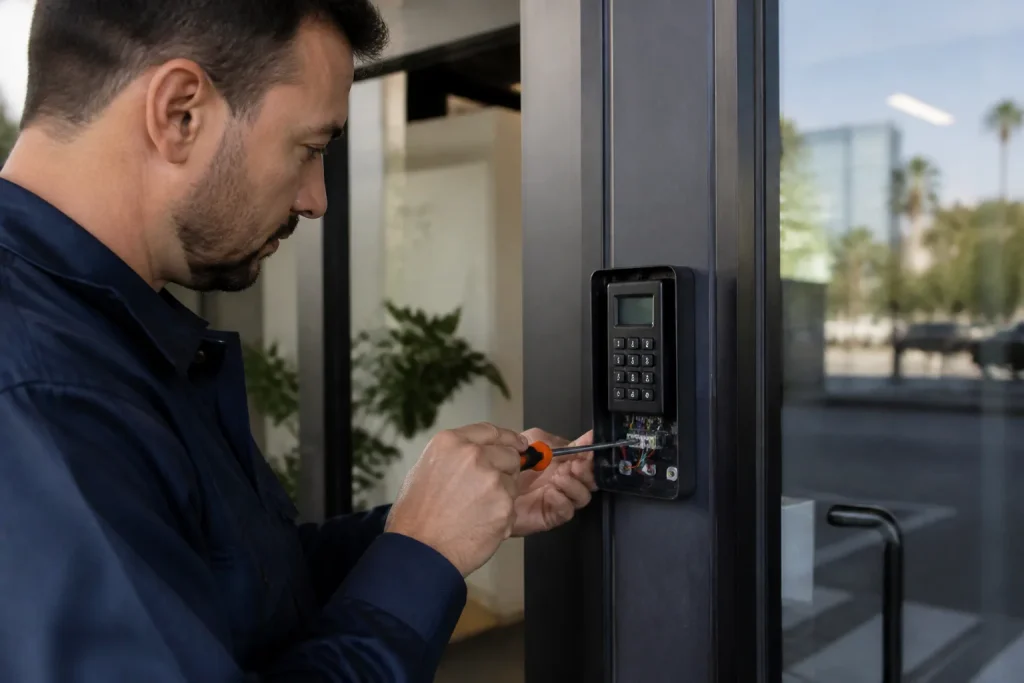
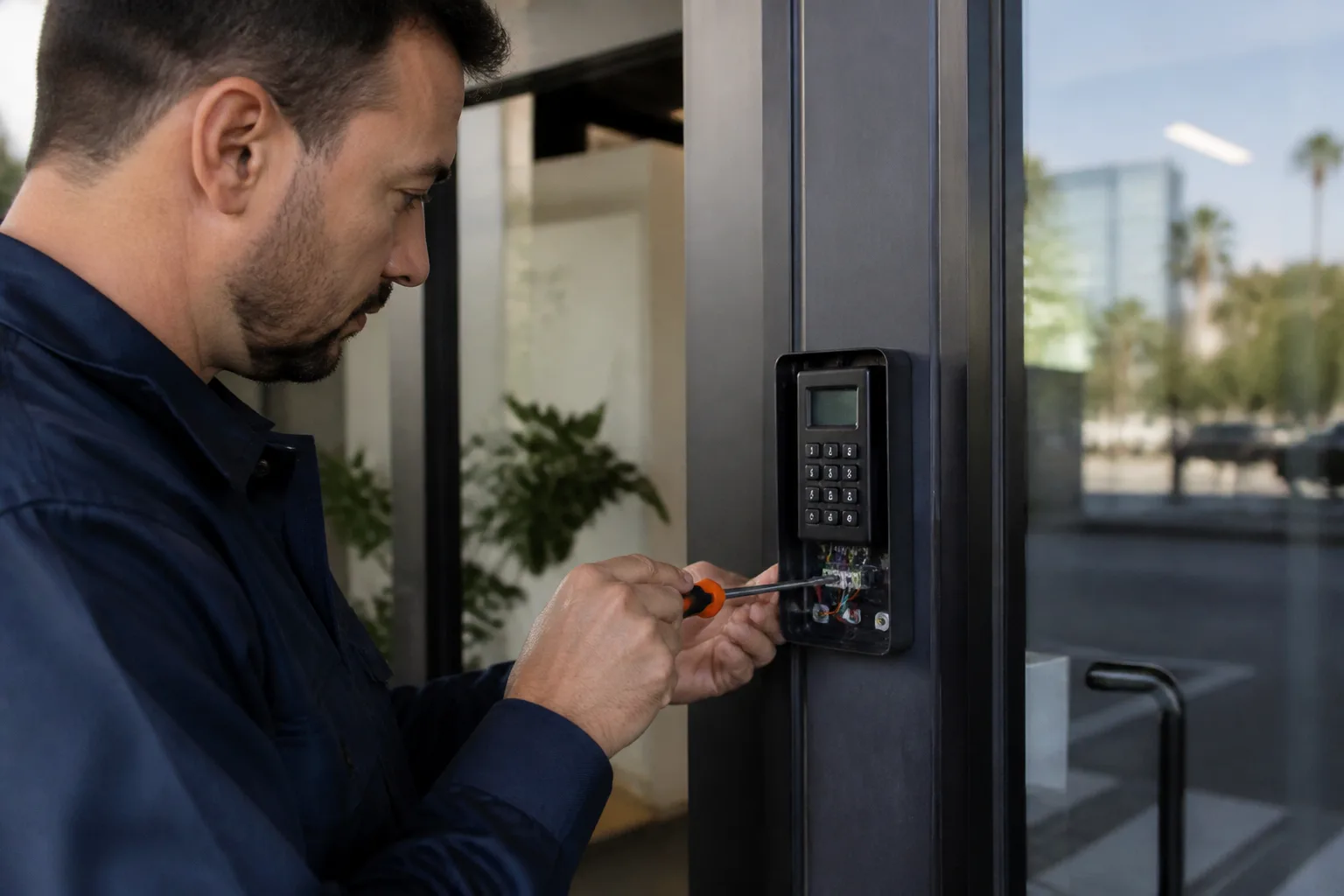
5 Mistakes to Avoid With Access Control Systems
The most common access control failure call we get isn’t a broken reader. It’s a system working exactly as programmed, by someone who no longer works there, lives there, or can be reached. Most homeowners don’t make one catastrophic error. They make five small decisions during installation and setup that compound quietly until a credential stops working at the worst possible moment. Here’s what those decisions look like, and how to avoid them. If you’d rather not sort through it yourself, call (682) 281-8985 and we’ll walk you through it.
1. Installing a System Without Retaining Admin Credentials
Every access control system ships with a factory-default administrator password. Most installers, including well-meaning homeowners handling a weekend DIY project, skip changing it. They also skip writing down which email address got the admin account, which phone number is tied to the two-factor authentication, and which computer holds the configuration backup.
This is the leading cause of “locked out of my own system” calls in Los Angeles. A homeowner buys a smart lock or a small access panel, connects it to an app, and moves on. Two years later their phone dies. They can’t reset the password because the recovery email was an old work address. They can’t factory reset the panel because the reset requires an admin code they never set. The hardware is fine. The problem is administrative.
What to do instead: On installation day, sit down with your installer and do three things. First, write the admin password on paper and store it with your deed and insurance documents. Second, document which email and phone number are tied to the master account. Third, have the installer walk you through a full factory reset while the system is new, so you know it works before you need it. Any installer who won’t do this isn’t finishing the job.
We keep a written record of every system we install in Los Angeles and hand a copy to the homeowner before we leave. Which is part of how we operate, but you should insist on this from anyone, including us. It’s also part of the 365-Day Done Right Promise: if the admin setup fails inside the guarantee period, we come back at no charge, and we put that in writing. More on that below.
2. Skipping a Power Backup
Los Angeles has a reliable grid, but not a perfect one. Heat waves strain transformers. Wind events knock out neighborhood feeds. Construction crews hit buried lines. When your access control system loses power, it defaults to whatever its “fail” setting is. Most homeowners have never checked what that setting is.
Fail-safe means the lock unlocks when power drops. Fail-secure means it stays locked. What it actually does depends on how it was configured at installation, and here’s the part nobody mentions: the default setting is often not what you’d assume. A front gate wired fail-safe means the property opens up during any blackout. A bedroom door wired fail-secure means someone inside can be trapped until a manual key turn, which sometimes isn’t possible from the inside on certain commercial hardware.
What to do instead: Ask your installer two direct questions. What’s my fail setting, and where’s my battery backup? An access control system with no battery backup is a decision that hasn’t been made yet. A backup battery typically costs well under a hundred dollars on most residential systems, and it buys you hours, sometimes days, of normal function during an outage. On a system protecting a home or a small business in Los Angeles, that’s the cheapest insurance you’ll buy all year.
In our experience, most access control systems can be configured for battery backup in under an hour if you’re installing from scratch, and retrofitting an existing panel isn’t much more involved. Access Control Systems in Los Angeles is the page where we outline exactly how this setup works, but the short version is: there is no good reason to run a system without a decided fail-setting and a battery that backs it.
3. Adding Users Without a Written Removal Policy
An access control system does one thing better than any mechanical lock: it tracks exactly who entered, and when, and through which door. That audit trail is the reason businesses install these systems. But most homeowners never write down who has credentials, and when those credentials should be removed.
Here’s a specific example from Los Angeles. A family in the Valley hired a housekeeper in 2021. The housekeeper was given a door code and a fob. The working relationship ended in 2023. The code was never changed. The fob was never returned. The system kept working flawlessly and the audit log kept faithfully recording entries into 2024, but no one was reading it. The system was doing its job. The homeowner wasn’t doing theirs.
The risk isn’t necessarily the former housekeeper. It’s anyone who now has a fob and a code sitting in a drawer, in a car, in a backpack. Credentials are physical objects, and lost credentials are the single most common gap in every access control system we inspect in Los Angeles.
What to do instead: Keep a simple written list. One column for name, one for credential type, one for date issued, one for date removed. Review it quarterly, like smoke detector batteries. When someone leaves, remove their credential the same day, in writing. If the credential is a physical fob or card, treat it like a key: if it doesn’t come back, change the system so it no longer works. Which on most systems is a two-minute process once the admin credentials are in order, which loops us back to mistake number one.
4. Treating Access Control and the Physical Lock Independently
A reader on a hollow-core door with a builder-grade deadbolt is security theater. The reader will authenticate fine. The deadbolt will pop open under a firm shoulder. The access log will show an authorized entry. None of that matters if the door itself was never part of the plan.
We see this in Los Angeles regularly. Someone spends $1,500 on a smart reader, a control panel, and professional installation, then mounts it on a 1980s exterior door with a Kwikset deadbolt installed before the house was painted the last time. The electronics are modern. The physical security is thirty years old. The result is a system that records who came through the door, but doesn’t stop anyone from coming through the door.
What to do instead: Before buying an access control system, have someone look at the door, the frame, the hinges, and the existing lock hardware. A proper installation pairs the access control system with deadbolts or mortise locks that match. In our work, we stock and service hardware from Medeco, Yale, and Mul-T-Lock, which covers the range from high-quality residential to true commercial-grade. The reader is only as useful as the lock it controls.
The same logic applies from the other direction. If you’re upgrading an exterior door with a better deadbolt, consider whether the access control system will integrate with it. Some electronic hardware only functions well with certain deadbolt geometries. If your installer can’t answer that question for the specific hardware you own, find a different installer. Residential locksmith work in Los Angeles includes checking exactly these pairings before any money changes hands.
5. Buying a System Without Confirming Local Service Availability
Some smart access brands have no authorized service partner in Los Angeles. That’s easy to miss when the system is new and nothing has failed. But when a reader stops responding or a controller drops offline, a brand with no local service turns every hardware problem into a mail-in repair or a phone-support marathon.
We’ve walked into homes where the homeowner bought a smart system online, installed it successfully, and used it happily for eight months. Then a firmware update failed mid-install. The reader stopped communicating. The manufacturer’s support line walked them through a reset that didn’t work. The only option was shipping the unit back and waiting for a replacement, or pulling the whole system and starting over. That’s a hard moment. It could have been avoided with one check before purchase.
What to do instead: Before buying, ask the manufacturer one question: who services this system within 25 miles of my address? If the answer is a long pause or “you can call us anytime,” that’s your answer. Access control systems live in the physical world, and physical hardware fails eventually. A system with local service support is a system that gets fixed the same week, not shipped away.
We service what we install, and we install systems based on parts availability in Los Angeles, not just what’s featured on a website. As part of the Kingswell family of locksmith companies, we hold every job to a written standard: price before work, a kept arrival window, a clean job site, and a written guarantee. We carry hardware from Schlage, Medeco, Yale, Baldwin, Mul-T-Lock, Sargent, and Abloy, so the system we install is one we can actually repair, locally, when it needs service years later.
When to Call a Pro
Most of the mistakes above are decisions, not repairs. If you’re installing a system from scratch, the cheapest time to get these decisions right is the afternoon you put the system in. If you already have a system, spend twenty minutes this week checking three things: your fail settings, your admin credentials, and your credential removal list. Two of those three checks are free and take longer to find than to do.
If you’d rather have someone walk through it with you, Loxley Locksmith & Security covers the full spectrum, from a single smart lock to a multi-door commercial install. We’re part of the Kingswell network, which holds every location to the same written standard. And every quote includes a written price before any work starts. No figure changes at the door.
Related reading: Commercial Locksmith in Los Angeles covers the kinds of multi-credential systems where these mistakes get more expensive, and Access Control Systems in Los Angeles goes into how the systems themselves work.
The Bottom Line
Access control systems don’t fail because the hardware is bad. They fail because of decisions made during installation and setup: undocumented admin access, no battery backup, no removal policy, physical hardware that doesn’t match the electronics, and no local service support. In Los Angeles, all five are avoidable with a little planning and a written record of who has access to what.
If you’re running an access control system, or about to install one, spend a few minutes on the admin side before anything else. The hardware will do its job. The question is whether the human decisions around it hold up. If you’re in Los Angeles and need help, Loxley Locksmith & Security offers free estimates. Call (682) 281-8985 and we’ll give you an honest read on what you have, what you need, and what it costs before any work begins.
Frequently Asked Questions
Yes, and it happens more often than people expect. The usual cause is lost admin credentials, not hardware failure. Factory-default passwords never changed, recovery emails tied to old addresses, or admin codes that no one wrote down. The fix is to document your admin setup the day the system is installed and store it somewhere you can find it without the system itself.
That depends on whether it has a battery backup and what its fail settings are. A system with no battery backup will default to either locked or unlocked, depending on installation-time configuration. Most homeowners never check. Ask your installer what the fail setting is, and add a battery backup if the system doesn’t have one. Call (682) 281-8985 if you’d like someone to check this for an existing system.
Every three months is the sensible cadence for most homes, and more often if you’ve had contractors, housekeepers, or tenants come and go. The review is simple: a written list of who has credentials, what kind, and when they were removed. The audit log inside the system does the tracking. You just have to read it on a schedule.
Look for someone local to Los Angeles who can service what they install, stocks the major hardware brands, and puts prices in writing before any work starts. If you’ve had a locksmith quote one price and charge another at the door, that doesn’t happen with us. The written price is the price on the invoice, and it’s set before anyone is dispatched. Call (682) 281-8985 for a free estimate on any access control project.
Written by Sam Rourke, Owner at Loxley Locksmith & Security, serving Los Angeles since 2007.
Need Locksmith Help?
Call Loxley Locksmith & Security - licensed & insured, here with fast after-hours help in Los Angeles.
(682) 281-8985