
Last updated October 8, 2026
Non-destructive entry first, always - and we re-key Schlage, Kwikset, and Baldwin locks on the spot while you watch
You get a price before we start. It does not change when we arrive. No surprises.
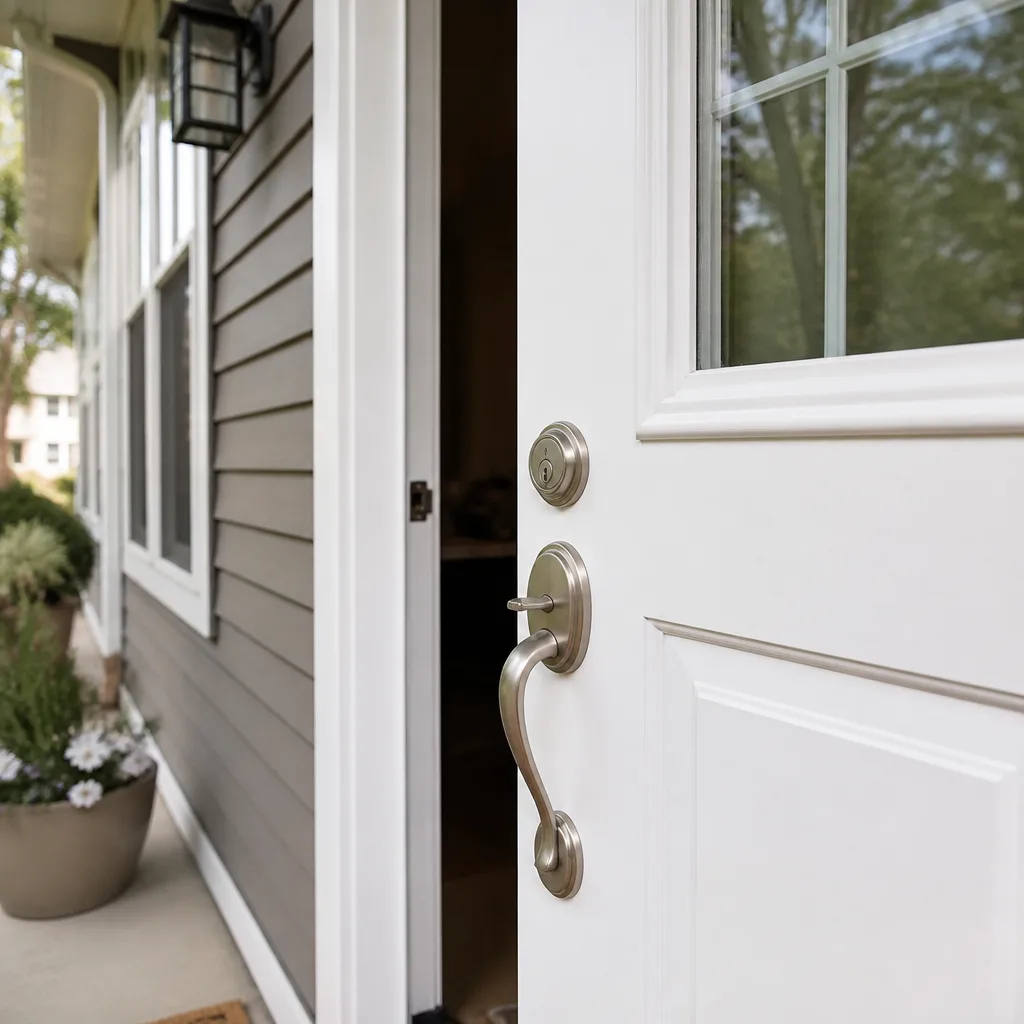
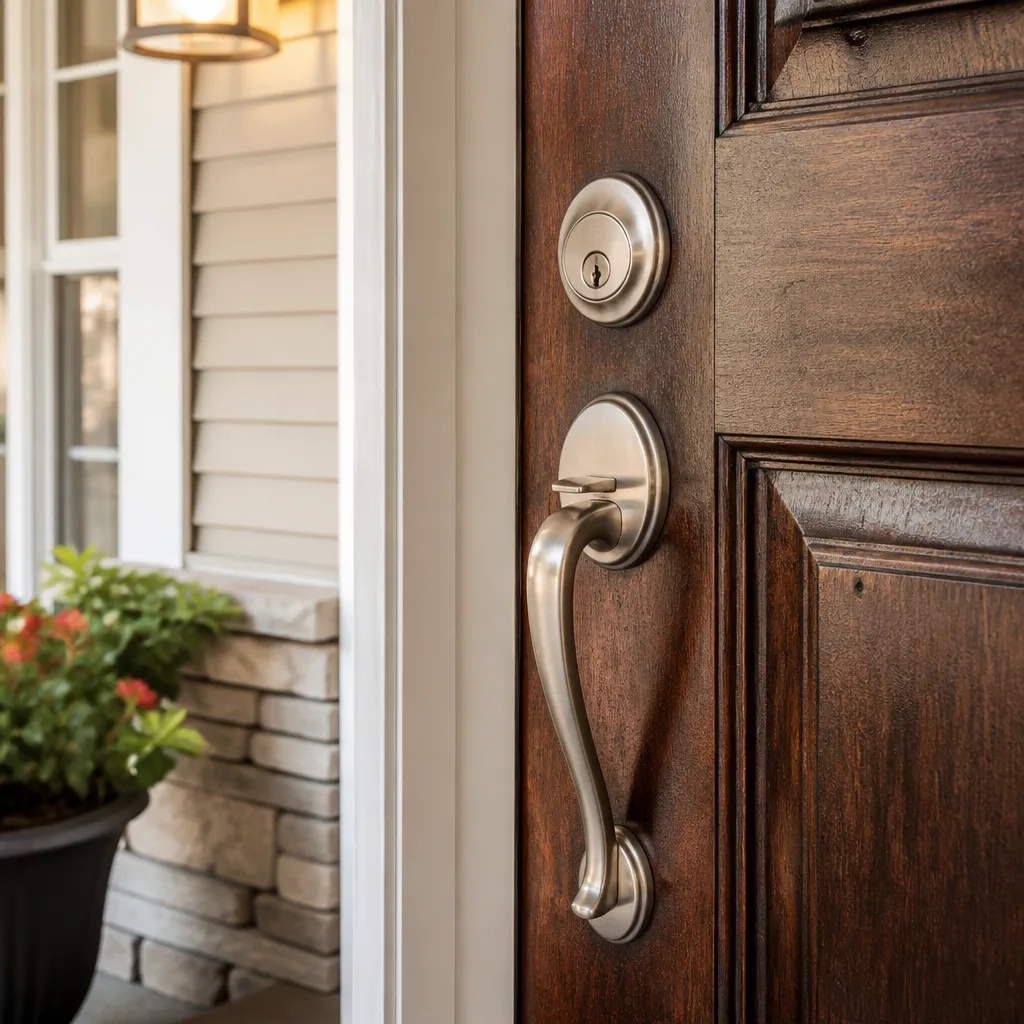
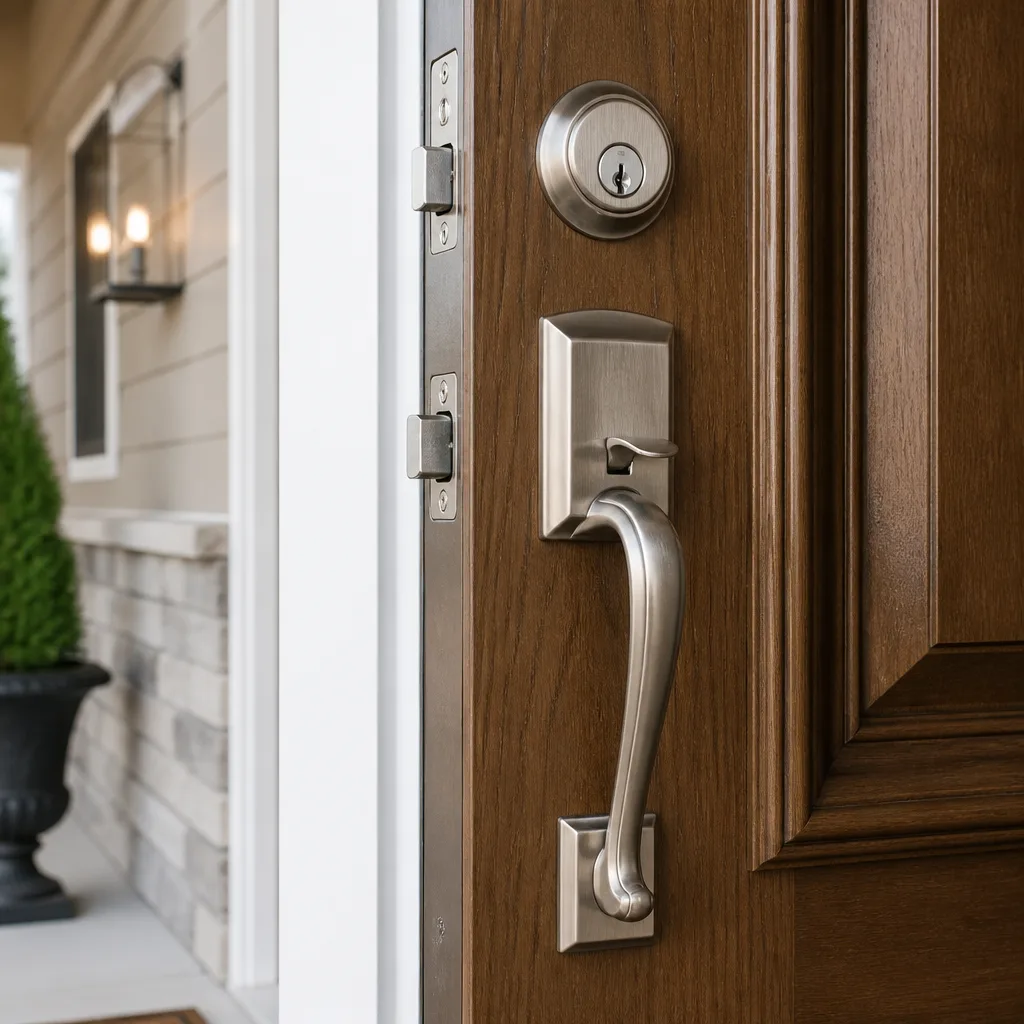
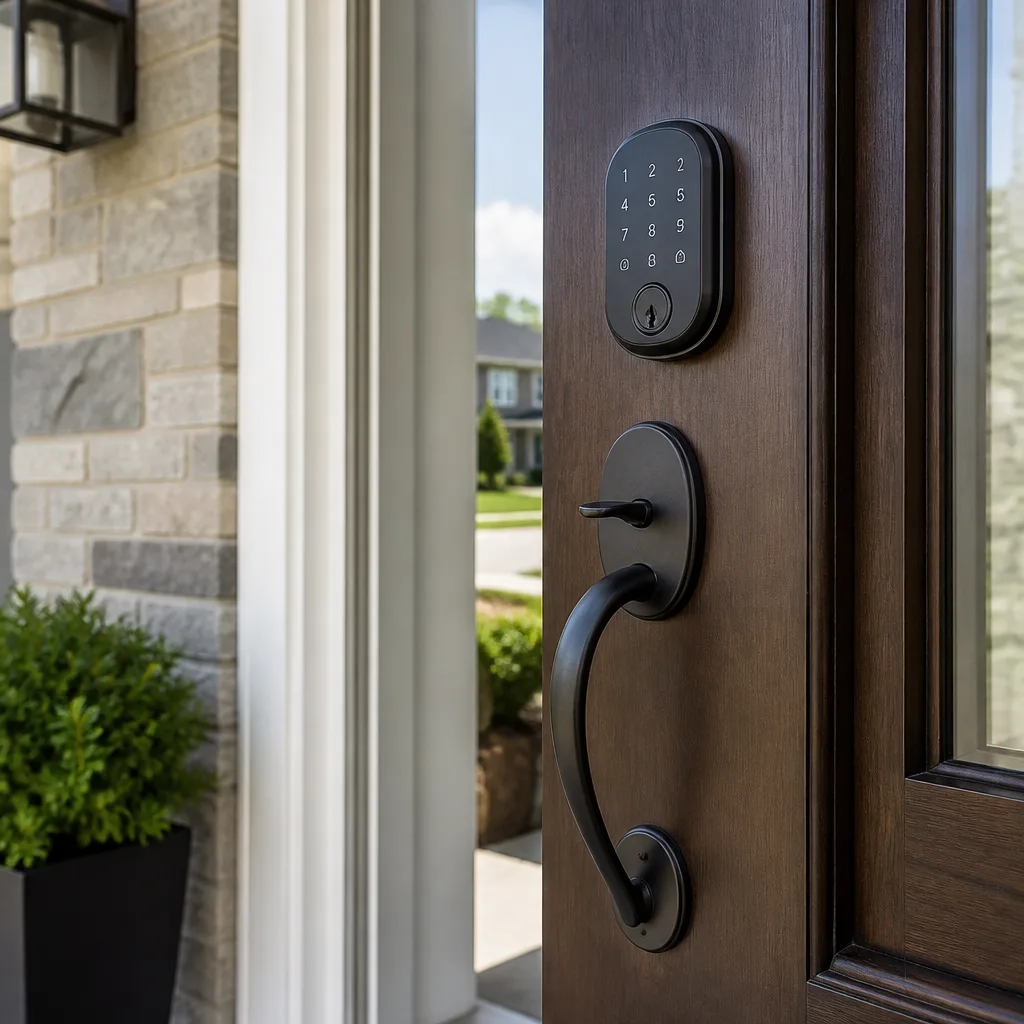
The Complete Access Control Systems Guide for Los Angeles Homeowners
Los Angeles has more single-family homes with detached garages, long driveways, and shared-wall ADUs than almost any other major city, and standard access control guides written for a suburban tract home in Phoenix simply don’t account for that geometry. A hillside house in Silver Lake doesn’t secure itself the same way a flat lot in the Valley does. Neither does a Brentwood property with a guest house, or a West Adams home with a converted garage. This guide walks you through what access control actually means for an LA homeowner: the equipment, the permits, the power questions, the HOA realities, and the honest costs, so you can make a decision that holds up for years instead of one that fails the first time the wind takes out your power.
Quick Answer
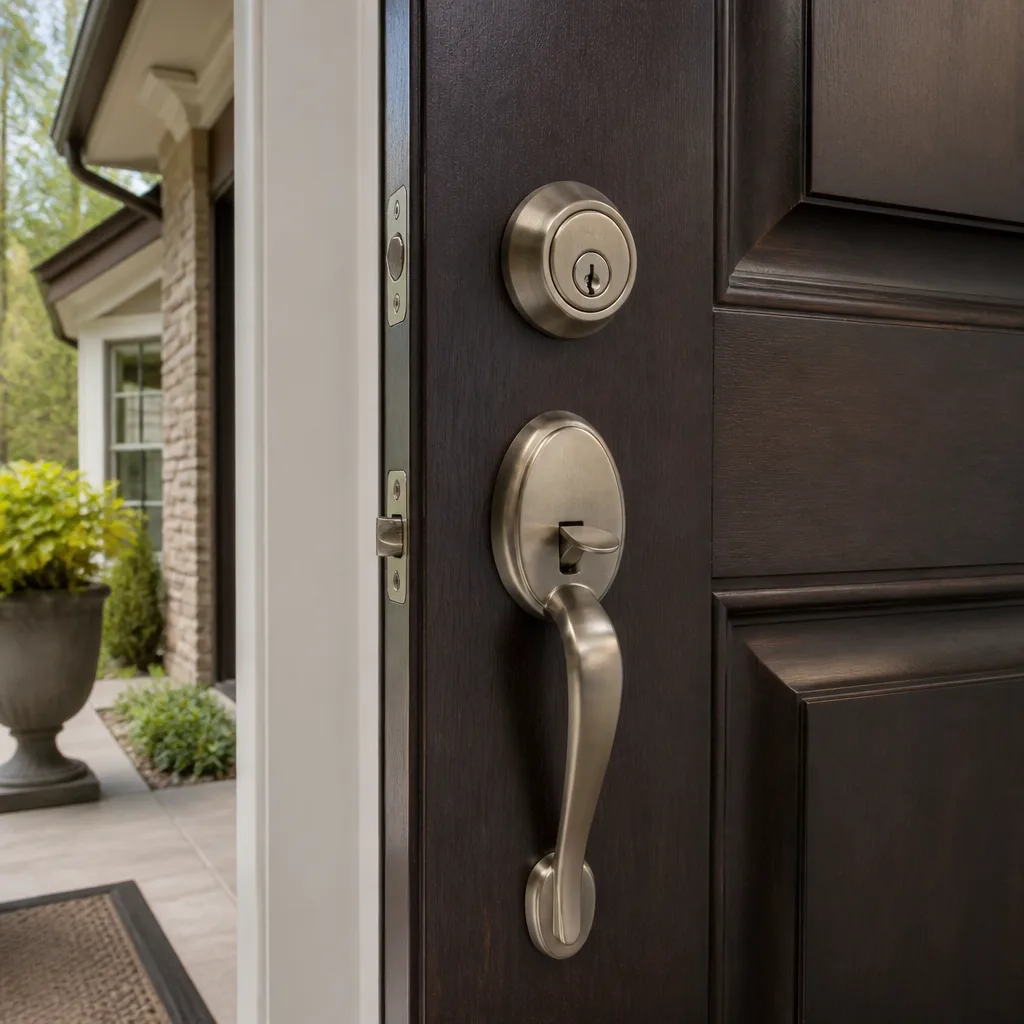
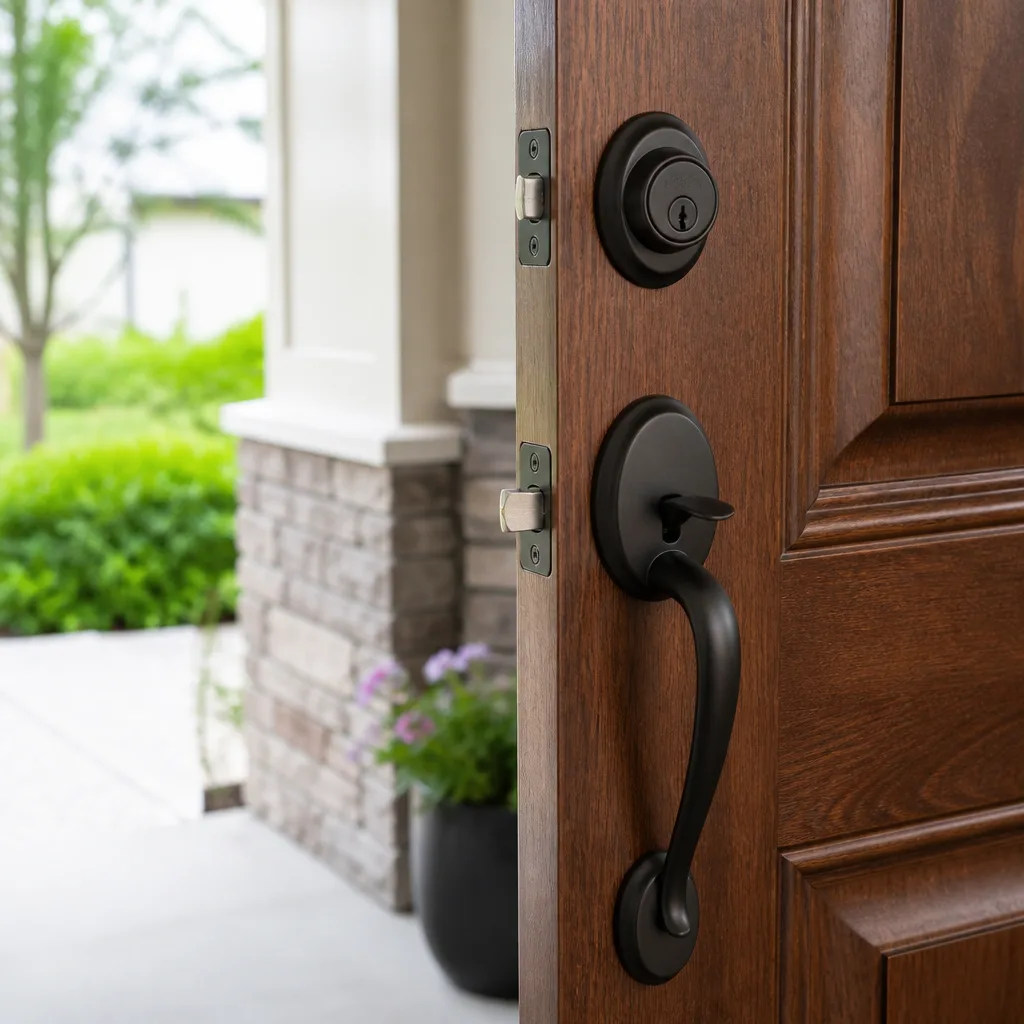
Access control for a Los Angeles home is a layered system: a credential (keypad code, key fob, or phone app), a reader or keypad at each entry point, and an electronic lock or gate operator that releases when the credential checks out. For most LA single-family homes, the right starting point is a deadbolt with a keypad on the main entry, paired with a cellular-connected gate operator if you have a driveway gate, and installed under permit if any new low-voltage wiring is being pulled through walls. For a deeper look at protecting your property, see The Complete Commercial Locksmith Guide for Los Angeles Homeowners. You can expect to pay roughly $350 to $900 per door for hardware plus installation, with gate systems running higher depending on the operator and power setup.
Table of Contents
- Understanding Access Control for a Los Angeles Home
- The Three Most Common LA Residential Configurations
- LADBS Permits and Why Unpermitted Work Creates Real Problems
- Power and Connectivity: Wind, Hills, and Wi-Fi Dead Zones
- HOA Rules and Rental Property Compliance
- What Access Control Actually Costs Per Door in LA
- How to Choose a System That Won’t Be Obsolete in Three Years
- Common Mistakes to Avoid
- When to Call a Professional
- Frequently Asked Questions
- The Bottom Line
Understanding Access Control for a Los Angeles Home
Access control is not the same thing as a smart lock, even though the two get conflated constantly. A smart lock is a single device that replaces your deadbolt and lets you lock or unlock it from your phone. Access control is a system: it manages who gets in, when they get in, and through which door or gate, using credentials that can be added, removed, or restricted without changing any hardware. If you’ve ever had to rekey a house after a contractor kept a key, or after a tenant moved out, you already understand the core value. With access control, you don’t change the lock. You delete the credential.
In Los Angeles, this distinction matters more than in most cities because so many properties have multiple entry points that don’t share a single keyway. A house in Los Feliz might have a front door deadbolt, a side gate to the backyard, a detached garage, and a driveway gate. Four separate mechanical locks, four separate keys. An access control system brings those under one credential system, so one fob or phone app handles all of them. That’s the point of treating this as infrastructure rather than as a gadget purchase.
The basic components to understand:
- Credential: What you present to prove you’re authorized. This is a PIN code, a proximity fob, a key card, or a phone app using Bluetooth or NFC.
- Reader or keypad: The device at the door or gate that receives the credential.
- Controller: The small computer that checks the credential against its database and decides whether to release the lock. In some residential systems, the controller is built into the keypad.
- Locking hardware: The electric strike, magnetic lock, or motorized deadbolt that physically releases when the controller approves access.
- Power supply: What keeps the controller and locking hardware running. This is where many LA installations get interesting, because power is not always as stable as people assume.
We’ve installed and serviced these systems across Los Angeles since 2007, as part of the Kingswell family of locksmith companies. The most common failure point we see is not the hardware. It’s the assumption that a system designed for a suburban Phoenix tract home will work identically on an LA hillside lot with a gated driveway and a detached garage. It won’t, and the rest of this guide explains why.
The Three Most Common LA Residential Configurations
Los Angeles residential access control breaks down into three repeating configurations. Knowing which one you have tells you most of what you need to know about what the system should look like. A good access control systems installer in Los Angeles will ask about your property geometry before quoting anything, because the geometry determines the architecture.
Configuration 1: The Hillside Lot with a Gate
This is the classic Los Angeles hillside property: a house above or below street grade, a long driveway, and a motorized gate at the street. You see this in Echo Park, Mount Washington, Beachwood Canyon, Laurel Canyon, and parts of the Hollywood Hills. The gate is the first and sometimes only line of access control, and it’s also the component most exposed to weather, power outages, and mechanical wear.
For these properties, the gate operator is the heart of the system. You need an operator that supports a keypad or intercom at the street, plus a credential reader, plus a way to open the gate from the house and from a phone. The front door deadbolt is secondary, though we typically recommend a keypad deadbolt there too, so the same code or fob works at both the gate and the door.
Key considerations for hillside gates:
- The gate operator needs battery backup. When high winds knock out power in the hills, which happens several times a year, a gate without backup either stays locked or defaults to open, and neither is acceptable.
- Solar power is viable for single-family gate operators in LA, but only if the panel gets unobstructed southern exposure. Many hillside lots have canyon shade that kills solar output.
- The distance between the gate and the house matters. If it’s more than 50 feet and you want the gate tied to the house’s Wi-Fi, you’ll need either a direct-burial ethernet cable or a cellular bridge.
- Vandalism resistance matters at the street. A keypad mounted at a hillside gate is visible from the road, and LA has a real problem with gate keypad tampering in some neighborhoods. Choose a keypad with a metal housing, not plastic.
Configuration 2: The Flat Lot with an Attached Garage
This is the most common setup in the San Fernando Valley, West LA, South LA, and the flatlands. A house with an attached garage, a front door, and maybe a side gate to the backyard. There’s no driveway gate. The garage is often the primary entry point, because that’s how people actually come and go.
For these homes, access control usually means a keypad deadbolt on the front door, a keypad or wall-mount reader at the garage’s interior door, and possibly a keypad on the side gate. The garage door opener itself typically stays on its own remote system, because integrating it into a full access control platform adds cost without much benefit for a single-family home.
The advantage of this configuration is simplicity. The wiring runs are short, the hardware is standard, and costs stay lower. The disadvantage is that homeowners often under-build the garage entry. If your garage has a side door or a door leading into the house, that door should have the same credential protection as the front door. It’s a common miss.
Configuration 3: Main House Plus ADU
Los Angeles has permitted more ADUs than any city in the country, and that has created a specific access control challenge. You have a main house, an ADU, and often a shared driveway, shared side gate, or shared laundry. You need to give the ADU tenant access to their unit and the shared areas, without giving them access to the main house, and without creating a key handoff problem every time the tenant changes.
For these properties, we recommend separating the system into two zones: a shared zone (side gate, driveway gate if present, shared laundry or storage) and a private zone (main house interior doors). The ADU tenant gets a credential that opens only the shared zone and their own unit. The main house resident gets a credential that opens everything. When a tenant moves out, their credential is deleted. No lock gets changed, no key gets copied, no rekey bill.
If you’re renting an ADU in Los Angeles, the access control credential system is also the simplest way to comply with the city’s requirement that the tenant has reliable, independent access to their unit. A residential locksmith in Los Angeles can assess your property and map out where the zone boundaries should fall.
LADBS Permits and Why Unpermitted Work Creates Real Problems
Here’s the part most access control guides skip entirely: in Los Angeles, pulling new low-voltage wiring through walls for an access control system can require a permit from the Los Angeles Department of Building and Safety (LADBS). This is not an optional technicality. It has real consequences for insurance and resale.
The rule of thumb is straightforward. If the installation involves only battery-powered devices or hardware mounted on the surface with no new wiring inside walls, it typically falls outside the permit trigger. A battery-powered keypad deadbolt on a front door does not need an LADBS permit. But if you’re running new low-voltage cable through walls, adding a controller in a closet, or wiring an electric strike into a door frame, you’re now doing electrical work, and LADBS treats it as such.
What happens when access control work is done without a required permit:
- Insurance claims can be denied. If an unpermitted electrical installation is found to have contributed to a fire or a lock failure that led to a break-in, your insurer has grounds to deny the claim. We’ve seen this happen in Los Angeles more than once.
- Resale gets complicated. California sellers must disclose unpermitted work. Buyers in LA routinely ask for permit records on electrical and security systems. Unpermitted access control wiring becomes a negotiation point or a deal killer.
- Code enforcement exposure. If a neighbor files a complaint, LADBS can require you to open walls to prove the work is safe, which costs far more than the permit would have.
The good news is that most single-family access control projects in Los Angeles fall into the no-permit or minimal-permit category because the hardware is battery-powered or surface-mounted. When a permit is needed, it’s typically a simple electrical permit, and the labor cost of a licensed installer includes pulling it. The key is to ask the installer directly: “Will you pull the permit for this work if it’s required?” If the answer is no, or if the installer tells you permits are never needed for access control, walk away. A commercial locksmith in Los Angeles with experience in code-compliant low-voltage work will give you a straight answer.
Power and Connectivity: Wind, Hills, and Wi-Fi Dead Zones
Los Angeles has a power reliability problem that most access control guides don’t address, because most guides aren’t written by people who actually work here. Santa Ana wind events take out power to hillside neighborhoods every single year. Older Canyon roads and hillside streets are the last to get service restored. If your access control system assumes continuous grid power, you’re building a system that fails in exactly the situation where you most want it working.
Here’s what actually happens in Los Angeles, and it’s worth planning around:
- Wind-driven outages: The National Weather Service issues high wind warnings for LA and Ventura county mountains several times a year. Hillside neighborhoods like Laurel Canyon, Topanga, and the Hollywood Hills lose power disproportionately. A gate operator without battery backup becomes a manual gate, which means someone has to get out of the car to open it, which defeats the purpose of the system and creates a security gap if the gate defaults to open.
- Wi-Fi dead zones: Older hillside homes are often built into slopes, with thick stucco, concrete block, or stone walls. A Wi-Fi router in the living room doesn’t reach a gate 60 feet away and 15 feet below grade. If your gate keypad relies on Wi-Fi to talk to a phone app, and the Wi-Fi doesn’t reach the gate, you’ve bought a very expensive standalone keypad.
- Cellular backup: This is the fix we recommend most often for LA hillside access control. Some gate operators and controllers accept a cellular module that maintains connectivity even when home internet goes down. It costs more upfront, and there’s a monthly data fee, usually in the $8 to $15 range, but it means your phone still opens your gate when the wind has taken out both power and internet.
The power hierarchy we suggest for LA homeowners:
- Battery-powered keypad deadbolts for doors. No wiring, no power dependency, batteries last 6 to 12 months, and the system keeps working during an outage because the lock operates on its own power.
- Gate operators with battery backup. A gate operator with a 7Ah or 12Ah backup battery will cycle 20 to 50 times without grid power, which covers most outage windows in LA. If you’re in a high-fire-risk zone, consider solar plus battery.
- Cellular bridge for gate connectivity. If you want phone control of a gate that’s out of Wi-Fi range, a cellular bridge is the reliable answer. It’s a small module that talks to the cellular network directly, and it works whether your home internet is up or not.
- Hardwired low-voltage systems only where power stability is non-negotiable. For some hillside properties with serious security concerns, a hardwired system with a dedicated power supply and a battery backup is the right call. This is the most expensive option and it requires an LADBS electrical permit.
HOA Rules and Rental Property Compliance
Los Angeles has HOAs covering a huge portion of the city’s condominium and planned development stock, and they have rules about what you can mount on your door and gate. Before you buy anything, check your CC&Rs. The question to ask is specifically about visible hardware modifications. A keypad deadbolt that replaces the existing deadbolt is usually fine because the external appearance is similar. A large intercom box mounted next to a gate, or a magnetic lock installed on a shared pedestrian gate, may not be.
For condos and townhomes in Los Angeles, the front door is often not fully yours. The door itself may be a common element, and modifying it, including drilling for new hardware, can require architectural committee approval. This is routine and usually approved, but it takes time. Factor the approval timeline into your project, because it can add 30 to 60 days.
For rental properties, the calculus changes. Landlords in Los Angeles are subject to the city’s rent control rules and to state habitability standards, and access control systems intersect with both. A landlord who installs an electronic lock must still provide a physical key or a working credential to the tenant, must not use the system to lock a tenant out, and must respond to lockout requests in a reasonable time. The practical solution most LA landlords land on is a keypad deadbolt with assignable codes, so each tenant gets a personal code that’s deleted when they move out. It solves the rekeying obligation and it documents who had access and when.
One more LA-specific point: many of the city’s older apartment buildings and duplexes have original doors and hardware from the 1920s through the 1950s. Those doors are often gorgeous, but they’re also thin and brittle compared to modern doors. Installing an electric strike or a magnetic lock on an original vintage door requires care and often reinforcement. We’ve worked on enough of these to know that the lock installation is rarely the problem; the door itself is. Budget for door reinforcement if the access control hardware is going on an original door.
What Access Control Actually Costs Per Door in LA
Here are honest numbers for the Los Angeles market, based on what we quote and what we’ve seen across hundreds of installations since 2007. These are ranges for a single-family home, including hardware and professional installation. Commercial systems run higher because the hardware is heavier and the code requirements are different.
Hardware and Installation Cost Ranges, Per Door
| Component | Typical LA Range | Notes |
|---|---|---|
| Keypad deadbolt, battery-powered, standard residential (Schlage or Kwikset) | $180 - $340 installed | No permit required. Most common starting point. |
| Keypad deadbolt, commercial-grade (Schlage ND-series or similar) | $420 - $700 installed | Heavier hardware, longer service life, better for high-use doors. |
| Proximity fob reader and controller on a single door | $500 - $900 installed | Includes controller, power supply, and fobs for the household. |
| Electric strike on an existing door frame | $350 - $650 installed | Requires low-voltage wiring; may need LADBS permit. |
| Magnetic lock on a pedestrian gate | $450 - $800 installed | Requires power at the gate; battery backup recommended. |
| Gate operator with keypad and fob reader | $1,200 - $2,800 installed | Single-family swing gate; solar or battery backup adds $300 - $600. |
| Cellular bridge for gate connectivity | $150 - $350 plus $8 - $15/month | For gates outside Wi-Fi range. |
| Mobile credential (phone app) integration | $0 - $200 setup | Depends on the platform; some charge per user or per month. |
Credential cost is where LA households get surprised. A key fob or proximity card costs $5 to $15 each when bought with the system. That sounds trivial, but a household of four with a nanny, a housekeeper, a gardener, and a dog walker is eight fobs, and replacing lost fobs costs $10 to $25 each. Keypad codes, by contrast, are free to issue and free to delete. For most LA homes, we recommend keypad codes as the primary credential for exactly this reason. Fobs make sense for high-traffic commercial settings, but for a single-family home, the code is the more practical choice.
One more cost note: if you’re choosing between a battery-powered keypad deadbolt and a fully wired system, the total cost difference isn’t just hardware. The wired system requires an electrician or a licensed low-voltage installer, possibly a permit, and a power supply mounted in a closet or garage. A battery-powered deadbolt with a keypad can be installed in about 30 minutes by a professional, with no wiring and no permit. For most LA single-family homes, the right answer is the keypad deadbolt on doors and a properly specified gate operator at the driveway gate, not a full wired system throughout the house. We tell customers this every week, even when the wired system would be a bigger sale for us.
How to Choose a System That Won’t Be Obsolete in Three Years
The access control industry has a platform problem. Manufacturers push cloud-based platforms with subscription fees, and when the company behind the platform gets acquired or shuts down, the hardware stops working. This has happened repeatedly in the last five years, and it’s happened with products prominently marketed in Los Angeles. If you buy a system that depends on a manufacturer’s cloud server to function, you’re betting on that manufacturer’s longevity. Bet carefully.
Here’s how we approach system selection for Los Angeles homes, and it’s about durability rather than features:
- Choose hardware that works standalone. A keypad deadbolt that stores codes locally and opens with a code even when the internet is down is always a better residential choice than a lock that requires cloud connectivity for basic function. Schlage, Kwikset, Mul-T-Lock, and Abloy all make hardware that functions offline. We stock Schlage and Kwikset for residential, and Mul-T-Lock and Abloy for residential and high-security applications.
- Pick a credential strategy first, then hardware. Decide whether you want codes, fobs, or phone access, then buy hardware that supports that credential. Too many people buy hardware first and then discover the credential they actually want isn’t supported.
- Favor local control over cloud control when trust matters. If you want your gate and doors on a single app, ask whether the system can be controlled locally without the manufacturer’s cloud. If the answer is no, you’re accepting a subscription dependency. That’s a legitimate choice, but it should be a choice, not a surprise.
- Buy hardware that a local professional can service. In Los Angeles, that means brands with distribution through local locksmith supply houses. Schlage and Kwikset are everywhere. Mul-T-Lock and Abloy are carried by security-focused locksmiths. If the only place to buy a replacement part is a website, the system is disposable.
We install and service hardware from Schlage, Kwikset, Medeco, Yale, Baldwin, Mul-T-Lock, Sargent, and Abloy. That range matters less as a brand list and more as an availability statement: if a part fails in five years, we can get the replacement from a local distributor and have it installed the same week. That’s the difference between infrastructure and a gadget, and it’s the difference you’re paying for when you hire a professional.
Common Mistakes to Avoid
- Assuming Wi-Fi will reach the gate. LA hillside lots with thick walls and long driveways routinely defeat consumer Wi-Fi. Test the signal at the gate before you buy a Wi-Fi-dependent gate system. If the signal is weak, budget for a cellular bridge or a hardwired connection.
- Skipping the permit question. If new low-voltage wiring is being pulled through walls, ask whether an LADBS electrical permit is required. Unpermitted work shows up during resale and can create insurance problems if something goes wrong.
- Putting a battery-powered keypad deadbolt on a high-traffic commercial door. Residential hardware on a commercial door fails quickly. We see it in small LA offices, studios, and retail spaces all the time.
- Ignoring the HOA until installation day. A keypad deadbolt that changes the exterior hardware on a condo door without architectural approval can result in a demand to restore the original hardware at your expense. Get approval in writing first.
- Buying fobs for everyone without realizing the cost compounds. Eight fobs for a household with staff means every lost fob is a $15-25 replacement and a trip to program it. Codes are free to add and free to delete.
- Choosing the cheapest gate operator on the driveway. A driveway gate in LA is exposed to sun, wind, dust, and occasional impact. The cheapest operators fail faster and cost more to service over five years than a mid-range unit installed properly.
- Not thinking about power backup until the first outage. In LA, the first outage comes every year. If your gate has no battery backup, you’ll be getting out of the car in the rain or the wind to open it manually, while your phone sits useless in your hand.
When to Call a Professional
Access control ranges from a simple keypad deadbolt you could install yourself in an afternoon to a wired multi-door system that an amateur shouldn’t touch. For more guides & resources, visit our blog. Call a professional when the project involves any of the following: pulling new low-voltage wiring through walls, installing an electric strike or magnetic lock, mounting a gate operator, integrating multiple doors and gates under one credential system, or retrofitting original vintage doors with electronic hardware. Any of those is a job where a mistake creates a security gap or a code violation. For these, the labor cost of a professional is cheaper than the cost of doing it wrong.
Loxley Locksmith & Security offers free estimates in Los Angeles, and we’re part of the Kingswell family of locksmith companies, which means every estimate includes a written price before any work starts. Call (682) 281-8985 to talk through your property and get an honest recommendation based on the specific configuration of your home, your gate, and your neighborhood.
Frequently Asked Questions
For a typical single-family LA home, a keypad deadbolt on the front door runs $180 to $340 installed, a driveway gate system with keypad and fob reader runs $1,200 to $2,800 installed, and a single-door fob reader with controller runs $500 to $900 installed. The final number depends on how many doors and gates you need and whether new wiring is required. Call (682) 281-8985 for a written, itemized estimate.
Battery-powered keypad deadbolts and surface-mounted hardware typically do not require an LADBS permit, but running new low-voltage wiring through walls may require an electrical permit. Ask your installer directly whether a permit applies to your project, and if the answer is evasive, find another installer.
Yes. Under the Kingswell standard that Loxley Locksmith & Security follows, the written price is delivered before any work begins, and that’s the price on the invoice. No figure changes at the door, and there’s no call-out surcharge added on arrival.
A smart lock is one device that locks and unlocks a door from your phone. An access control system is a full framework that manages credentials across multiple doors and gates, so you can add, restrict, or delete access for specific people without changing hardware. For a single front door, a smart lock may be enough. For a property with a gate, an ADU, and multiple entries, access control is the better architecture.
It depends on how it’s powered. Battery-powered keypad deadbolts keep working because they’re self-powered. Gate operators without battery backup will not operate during an outage unless you use the manual release. For LA hillside properties, we strongly recommend gate operators with battery backup.
Yes, and it’s one of the cleanest ways to handle tenant access. A zoned system gives the main house resident full access, gives the ADU tenant access only to shared areas and their unit, and lets you delete the tenant’s credential when they move out, with no rekeying and no key handoff. Call (682) 281-8985 and we’ll walk you through the zone mapping for your specific property.
The Bottom Line
Access control for a Los Angeles home is not a single product purchase. It’s a layered choice shaped by your property’s geometry, your power situation, your HOA or rental obligations, and the city’s permit requirements. A hillside gate property needs a different architecture than a flat-lot home with an attached garage, and an ADU property needs a zone-based credential system. The hardware matters, but the decisions around power backup, connectivity, and permits matter more. Start with a keypad deadbolt on the main entry. Add gate control if you have a driveway gate. Design zones if you have an ADU. And insist on a written price before any work starts, because in Los Angeles, that’s the difference between infrastructure that lasts and a gadget that becomes someone else’s problem.
Written by Sam Rourke, Owner at Loxley Locksmith & Security, serving Los Angeles since 2007.